blog
What to ask at registration (and what not to)
Every extra question is a reason not to finish the purchase. Here's what to ask depending on your event, how to ask it and why it's worth doing after payment.
At registration, ask only for what you'll use before or during the event: shirt size to order shirts, category for the start waves, allergies for the catering, the signed rules. If a detail doesn't change anything you'll do, don't ask for it. And where you can, let it be answered after payment: that way the purchase doesn't drag on.
The rule: every detail, for something specific
Before adding a question, answer this: what will I do with the answer, and when? If you don't have a clear answer, remove it.
Asking for less has three advantages. The purchase is shorter. You store less personal information, which is easier to look after and is what data protection rules ask for. And the list you export is easier to use.
Each attendee's details
Need My Ticket has fixed details you can ask from each person: first name, surname, ID number, date of birth, email, phone, gender and nationality. Each one can be required, optional or not asked. By default, only the name.
Examples of when it makes sense:
- ID number and date of birth: for race insurance or an age check.
- Phone: if you'll call someone on the day, for example on a trip.
- Each attendee's email: if each person needs to receive information individually.
If your event has a minimum age, set it on the event (from 1 to 99 years).
Your own questions: pick the right type
For everything else, create your own questions. There are eight types:
- Short text: club, company, team name.
- Long text: comments or accessibility needs.
- Number, with a unit and limits: weight in kg, estimated time in minutes.
- Single choice: size, category, menu.
- Multiple choice, with a minimum and maximum: workshops you'll attend.
- Yes or no: do you need the bus?
- Date, with a minimum and maximum: licence expiry date.
- Consent, with its text and a link: accepting the rules or image rights.
With closed options, answers can be counted. With free text, someone will have to read them one by one. Use free text only when there's no other way.
You can add up to 50 questions per event, on every ticket or only on some. But being able to doesn't mean you should.
Required or optional
Make required only the questions that block something: no size, no shirt; no accepted rules, no bib. Everything else, optional.
Questions are answered after purchase. Anyone who hasn't answered gets an email reminder one hour after buying and another the day before the event. If they reach the door with answers pending, the scanner flags it but doesn't stop them getting in.
What to see at the door and what in the list
Each question has two switches: show in the scanner and show in the attendee list.
- In the scanner, what your team needs when validating: the size to hand out the shirt, the menu for the catering wristband.
- In the list, what you need to organise.
The list exports as CSV with one column per question, ready for your supplier's sheet. It's in registration.
What you shouldn't ask
- Details you already have: the buyer's email comes with the purchase.
- "Just in case" details: no use, no question.
- Sensitive details without need, such as health, unless there's a clear reason (allergies for catering are one).
One limitation to keep in mind: questions aren't conditional. If a question only applies to one category, put it only on that ticket type.
Examples by event type
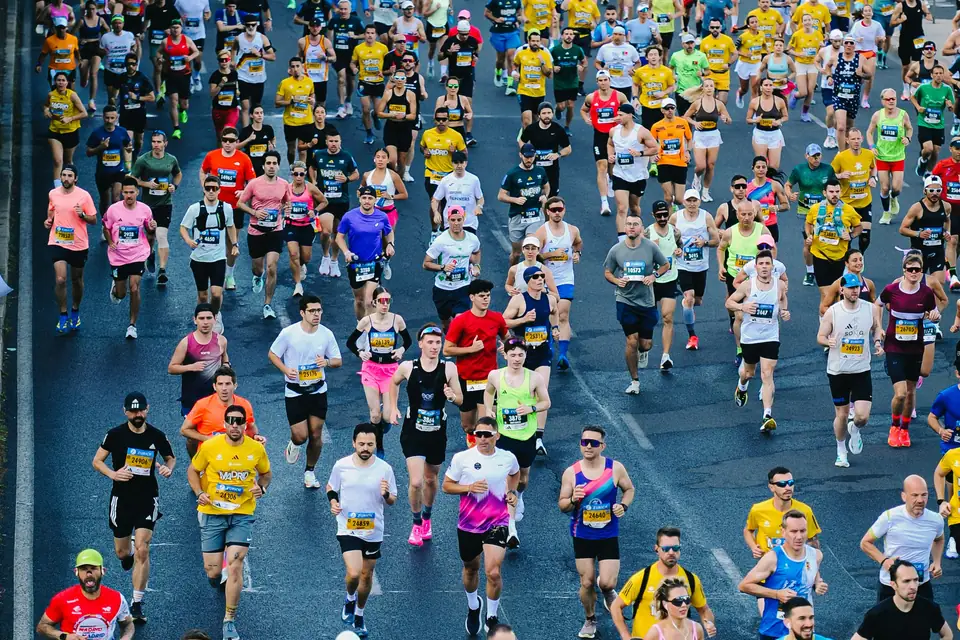
- Race: category, size, club, licence, rules. More in how to sell registrations for a fun run.
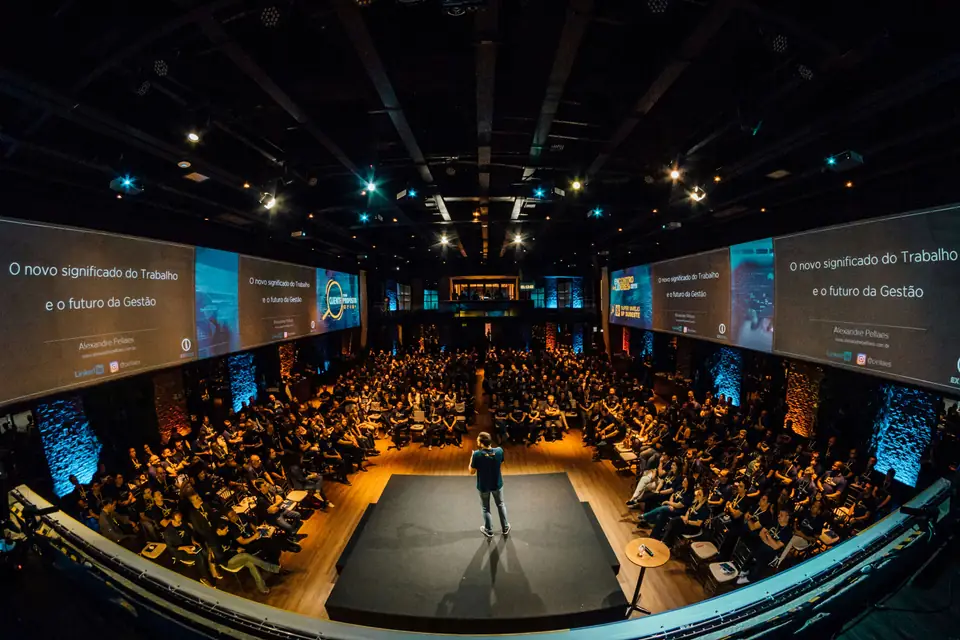
- Corporate event: company, job title, menu, image consent. See corporate events.
- Party: almost nothing. Name and, if there's a minimum age, date of birth.
In short
Ask for little, with a clear use. Use closed options whenever you can. Make required only what blocks. Let it be answered after payment and decide what shows at the door. That way the purchase is short and the list you export is actually useful. If you also want to know what happens after the purchase, see after the sale.